Train Head – Full Tutorial
June 23, 2026
Description
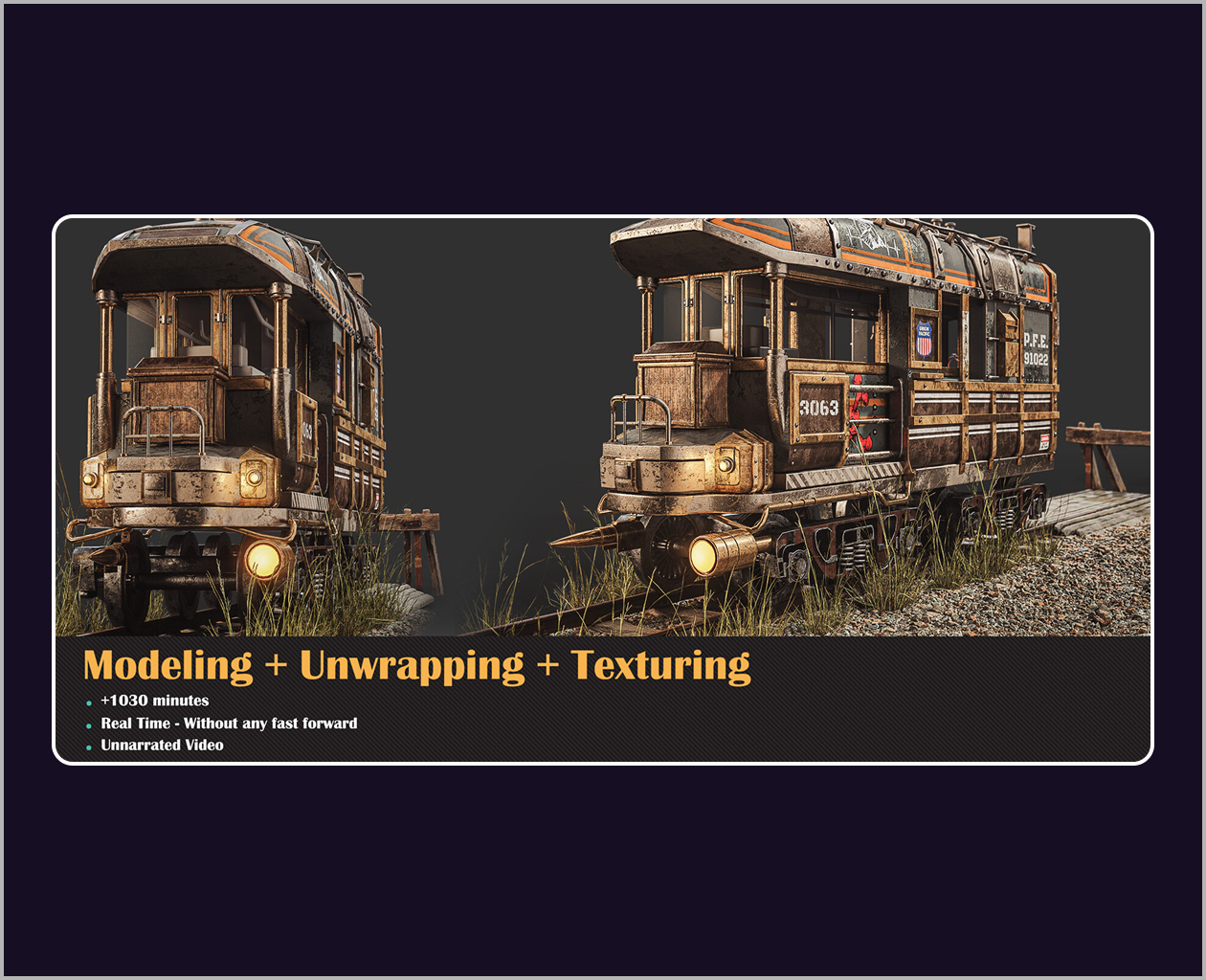
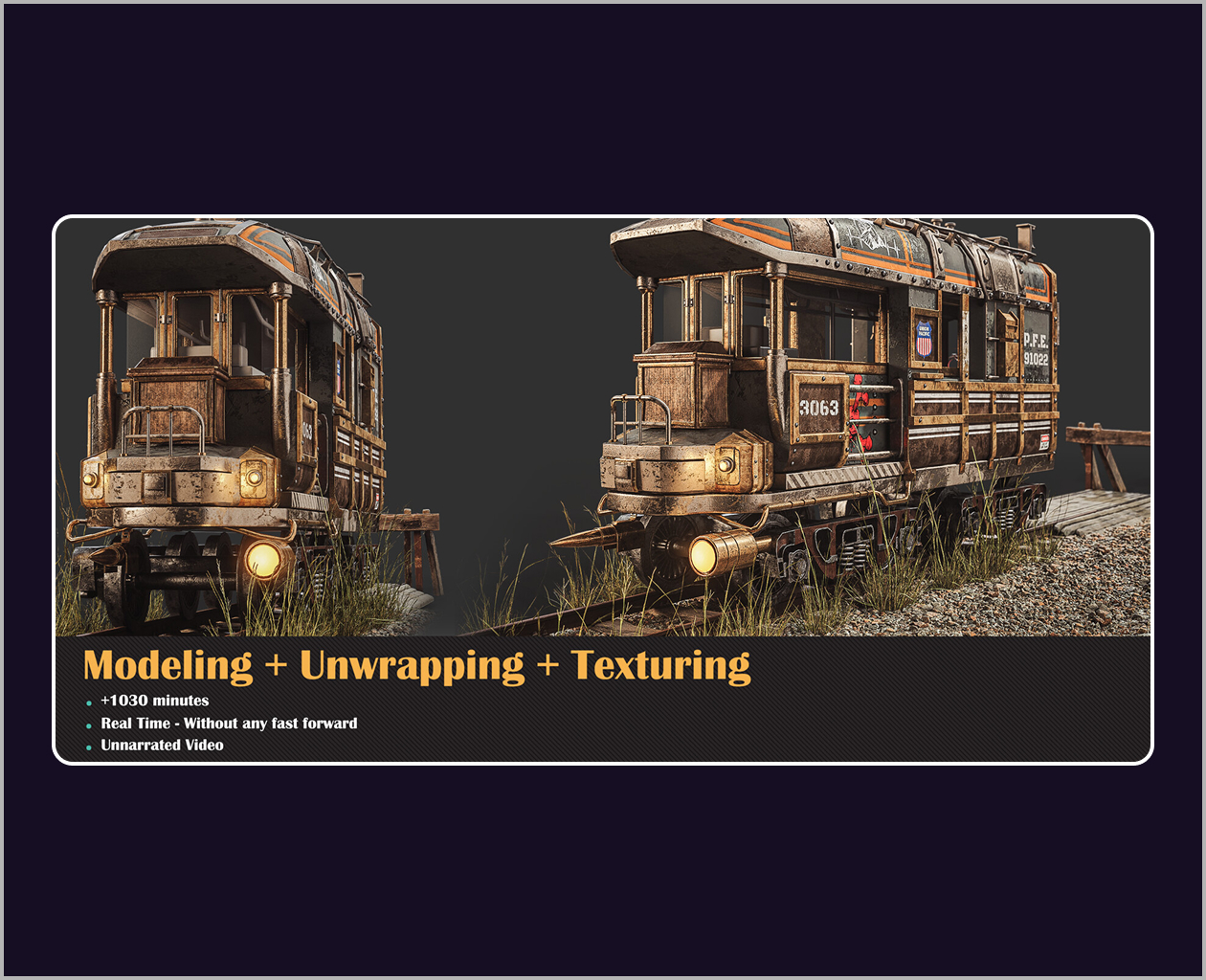
In this Tutorial, we will model, unwrap, and texture a train head, zero to complete level.
To follow this tutorial correctly, You should have basic knowledge of this software. (+17 Hours)
Tutorial Contents:
**Modeling**
+10 hours of the modeling process in 3Ds max. To start the modeling process, we create a proxy mesh with box modeling techniques, and after that, the main purpose is reaching to final shape. During this method section, the most important techniques go through edit poly-functions and understanding and creating overall shape and form.
**Unwrapping**
+2 hours of unwrapping in Rizom UV. Before getting started with the texturing process it needs to have proper UV and for this section we use RizomLab. For big objects, you need to unwrap your project with different techniques to avoid low-quality resolution after the texturing part! in this section, we use udims and overlap Technique for this train head object
**Texturing**
+4 hours of Texturing in the Substance Painter. Now it’s time to Substance Painter and start the texturing process. In substance, we start with the UV tiles option in the project and manage material for udims method. In substance painter with uv tiles, you can paint and texture all the tiles together.
– Software Used:
– 3Ds Max
– Rizom UV
– Substance Painter
Topics: 3Ds Max, Substance Painter
Source: https://www.artstation.com/marketplace/p/Lr097/train-head-full-tutorial