FXPHD Look Development with Maya, V-Ray and Nuke – Part 2
May 6, 2026
Description
## Class Listing
#### Class 1: Overview
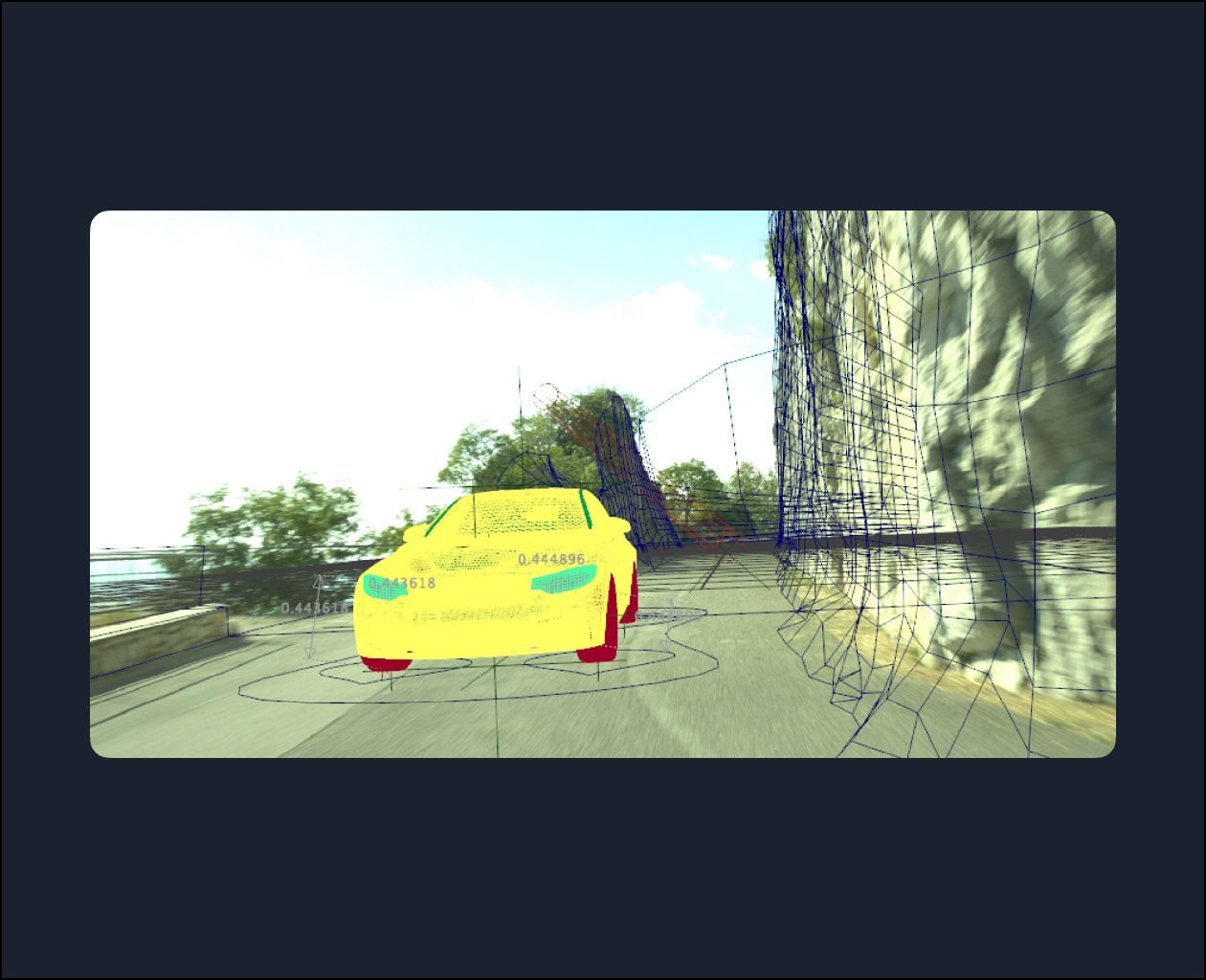
A refresher about the course and an overview of how we will rig, animate, and set up the lights and render our shot.
#### Class 2: Rigging, Part 1
Examining the primary information about the rig and getting through the rigging process of one of the car wheels.
#### Class 3: Rigging, Part 2
Transferring the rig to other wheels and build up the needed controllers and the related attributes for them.
#### Class 4: Final rigging and initial animation
Finalizing the car rigging and a discussions of the components of animating the car.
#### Class 5: Animation
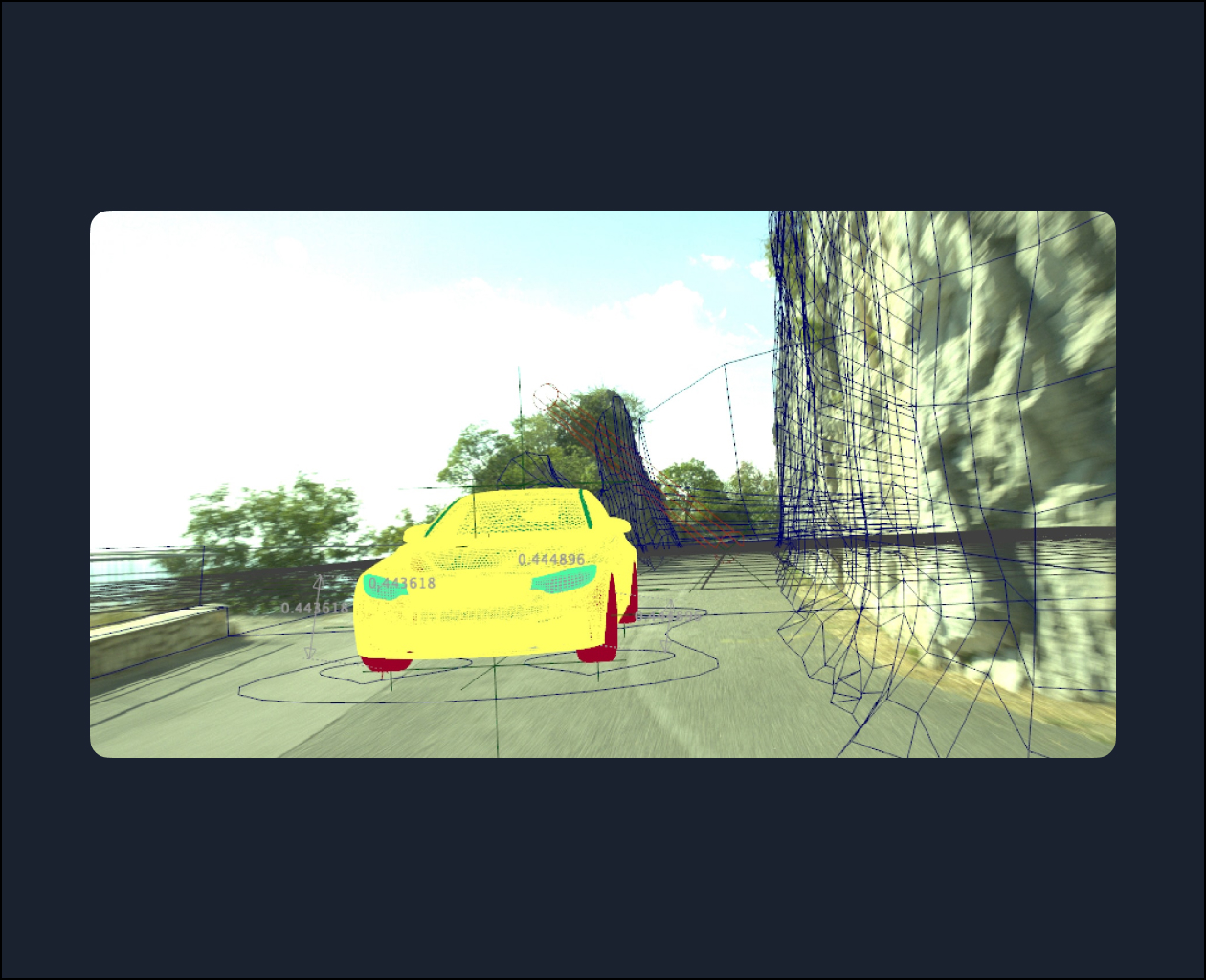
Working on the car animation, including finessing to get a more complete, detailed, and accurate animation.
#### Class 6: Mesh adjustments
Remodeling the Nuke-generated PoissonMesh meshes with the help of the Maya Quad Draw tool.
#### Class 7
In this session, we’re going to perform the lighting of the scene based on the footage that we have in V-Ray.
#### Class 8
In this session, we’re going to revise and correct the shader that we built for the Projection and build the existing trees in the shot by using the Opacity Map.
#### Class 9
We’re going to make the rendering layers by Render Setup in Maya and add the needed AOVs in V-Ray.
#### Class 10
We’re going to finalize the render setting parameters and starting the render.
Topics: Maya, Nuke