FXPHD VRY204 – Look Development with Maya, V-Ray and Nuke – Part 1
May 6, 2026
Description
#### Class 1: Overview
A brief overview of the course and plotting the path to achieve a cinematic look.
#### Class 2: Color Management
Examining the footage and obtaining metadata through the ViewMetaData node. Using OpenColorIO and ACES in Nuke.
#### Class 3: Camera Tracking
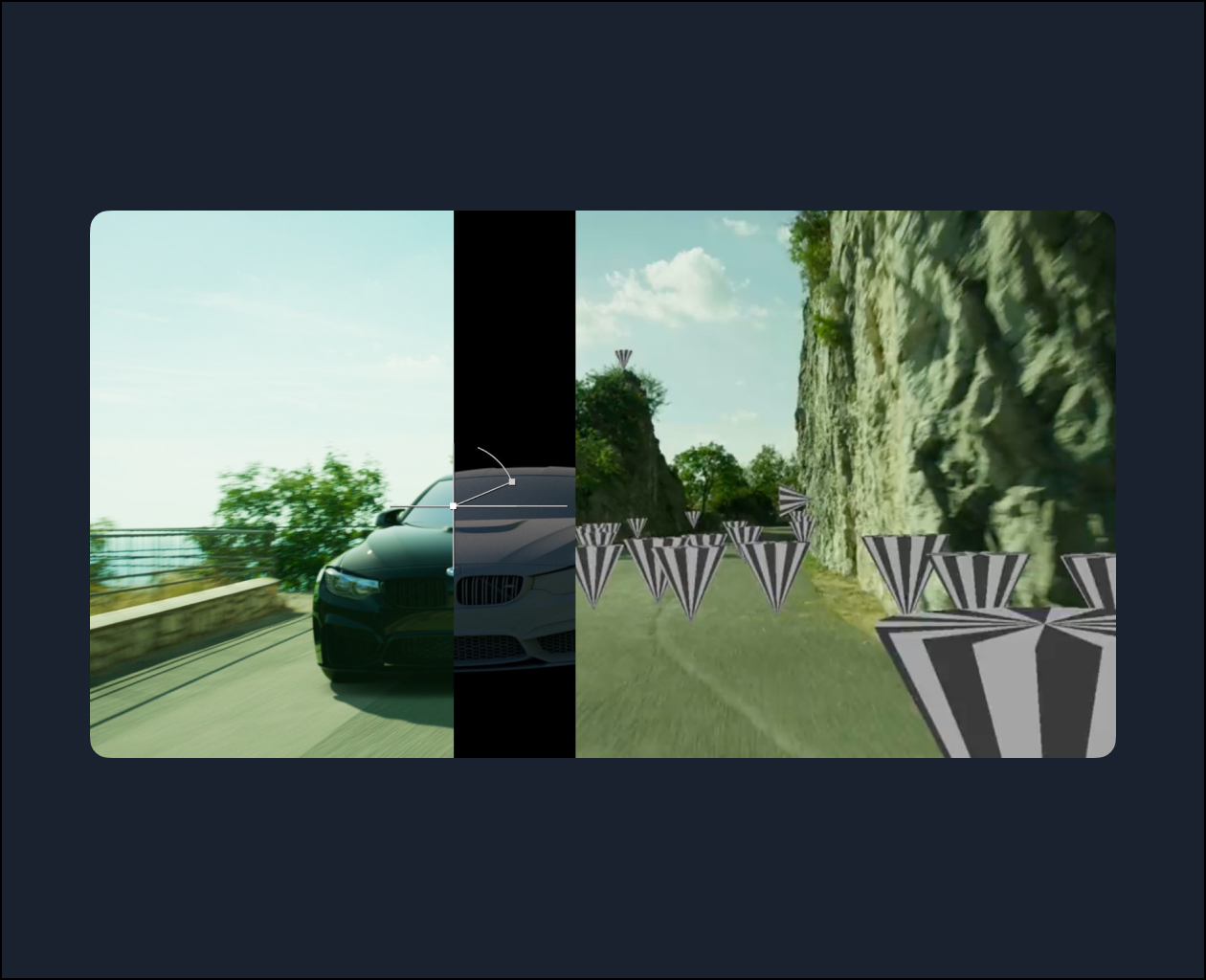
Using data about the ARRI camera sensor, re-creating an accurate movement of the camera by using the CameraTracker node in Nuke.
#### Class 4: Scene Adjustments
Setting up the scene after the preliminary camera tracking calculation, resizing all the parameters of the scene to real-world conditions.
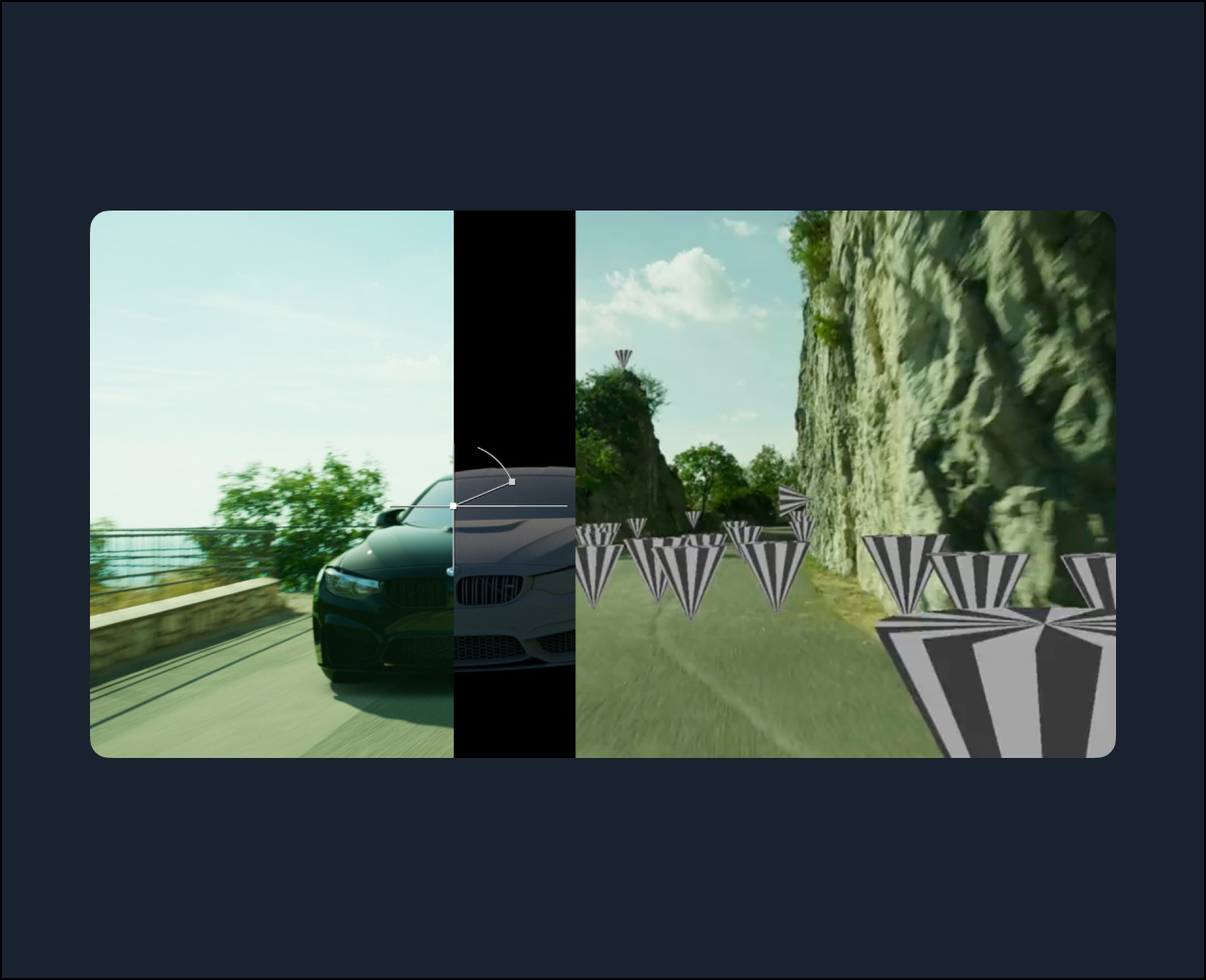
#### Class 5: Testing the Track
Verifying the precision of the camera tracking by putting test objects in the scene and exporting the objects and point clouds to Maya.
#### Class 6: Modeling the cliffs
Creating a model of the environment (to be later used for reflections) using the PointCloudGenerator in Nuke.
#### Class 7: Maya initial setup
Getting our scene started in Maya, getting ready for the rigging process and more in the next course (VRY205).
Topics: Maya, Nuke