
💡 Here’s what’s already inside:
1️⃣ Camera Settings – Set up your phone like a pro.
2️⃣ Camera Apps – The apps that give you full control and features your stock camera doesn’t.
3️⃣ Lens Choice – When to use wide, main, or tele lenses for the best results.
4️⃣ Location – How to find the perfect shooting spot (often more important than the camera itself).
5️⃣ LOG Conversion – Get that cinematic look straight from your footage.
6️⃣ Filming Lesson – Practical tips to instantly make your shots look better.
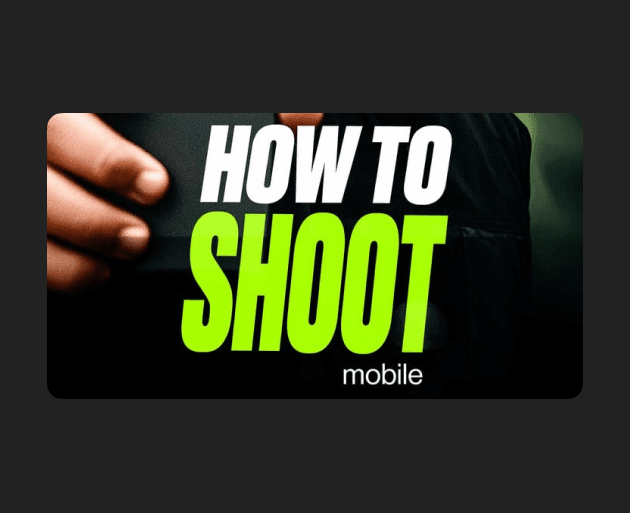
In the brand-new How to Shoot Mobile module inside the Creators Club, Kaden walks you through exactly how to shoot content on your smartphone that looks like it came from a pro camera.
💡 Here’s what’s already inside:
1️⃣ Camera Settings – Set up your phone like a pro.
2️⃣ Camera Apps – The apps that give you full control and features your stock camera doesn’t.
3️⃣ Lens Choice – When to use wide, main, or tele lenses for the best results.
4️⃣ Location – How to find the perfect shooting spot (often more important than the camera itself).
5️⃣ LOG Conversion – Get that cinematic look straight from your footage.
6️⃣ Filming Lesson – Practical tips to instantly make your shots look better.







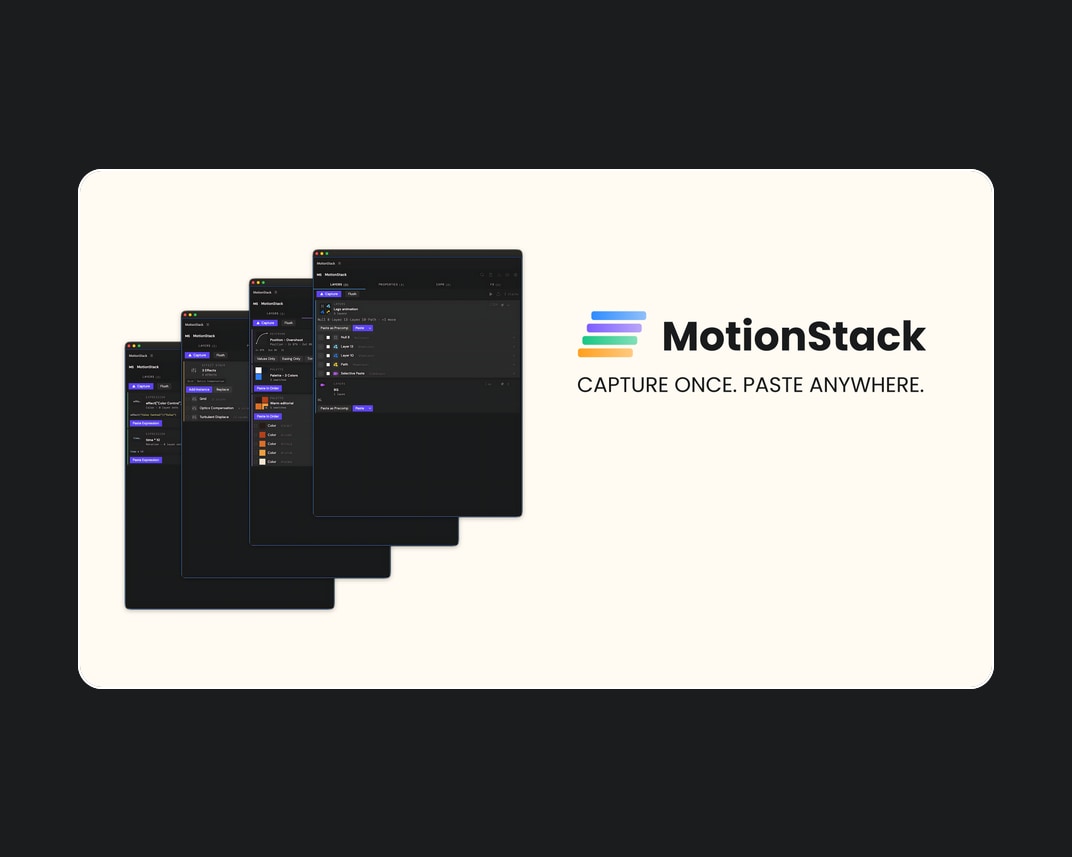
Aescripts – MotionStack v1.0
A persistent visual clipboard for After Effects. Capture layers, keyframes, expressions, effects,...
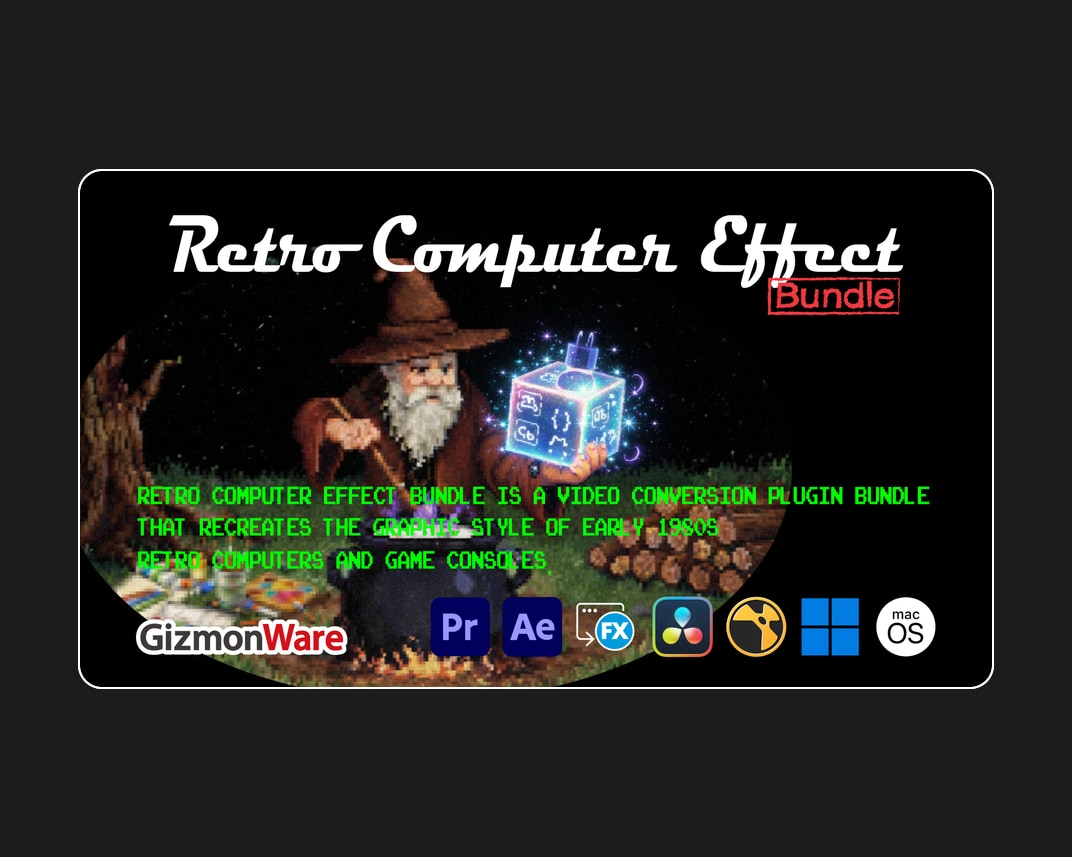
Aescripts – Retro Computer Effect Bundle v0.3.0
Retro Computer Effect Bundle is a video conversion plugin bundle that recreates...
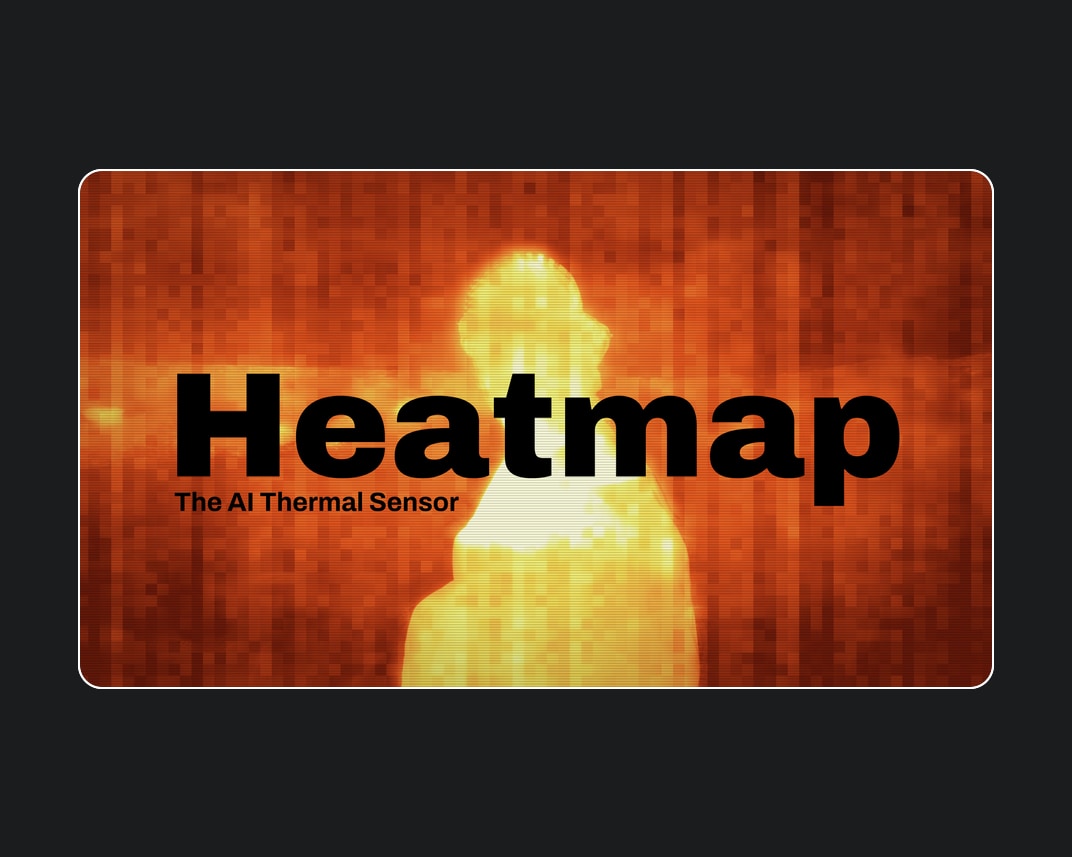
Aescripts – Heatmap v1.5.0
Heatmap is an AI thermal sensor for After Effects and Premiere Pro....
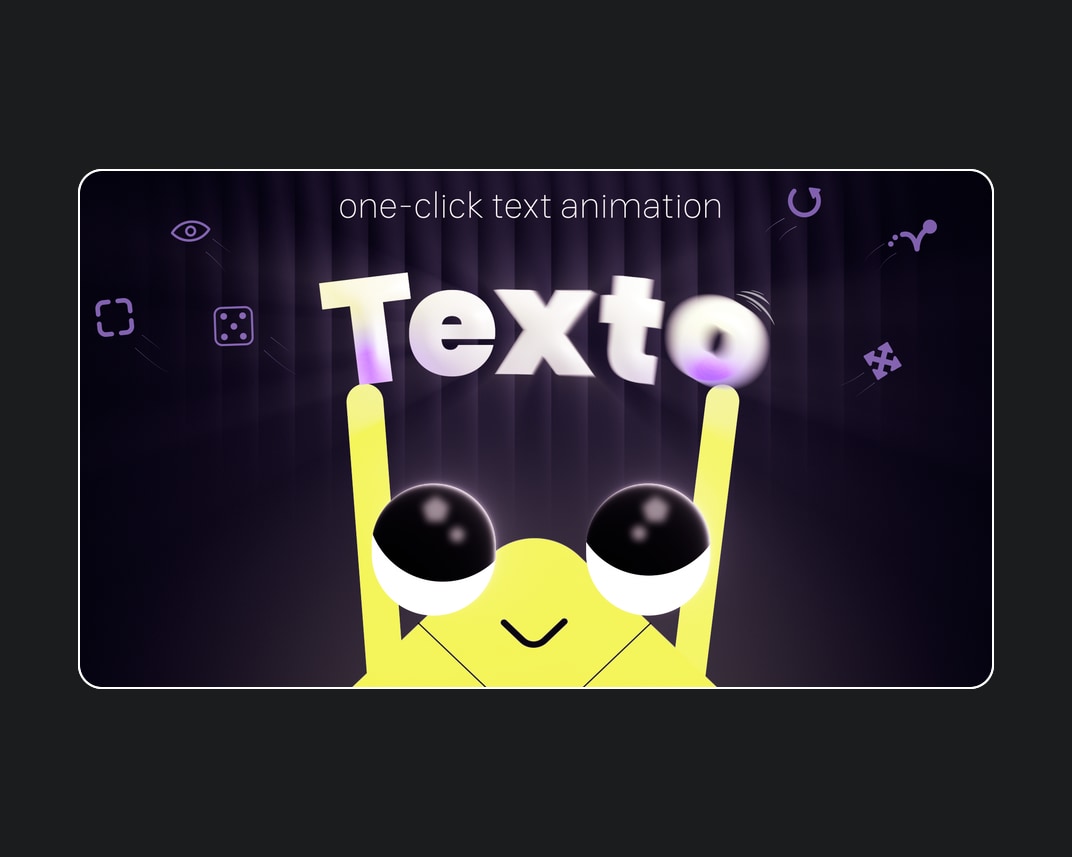


Aescripts – Texto v1.0.1
One-click text animation for After Effects. Texto turns tedious text animation into...
