Mastering DaVinci Resolve: Relight Effect for Cinematic Post-Production
October 2, 2025
Description
About This Class
Class Overview
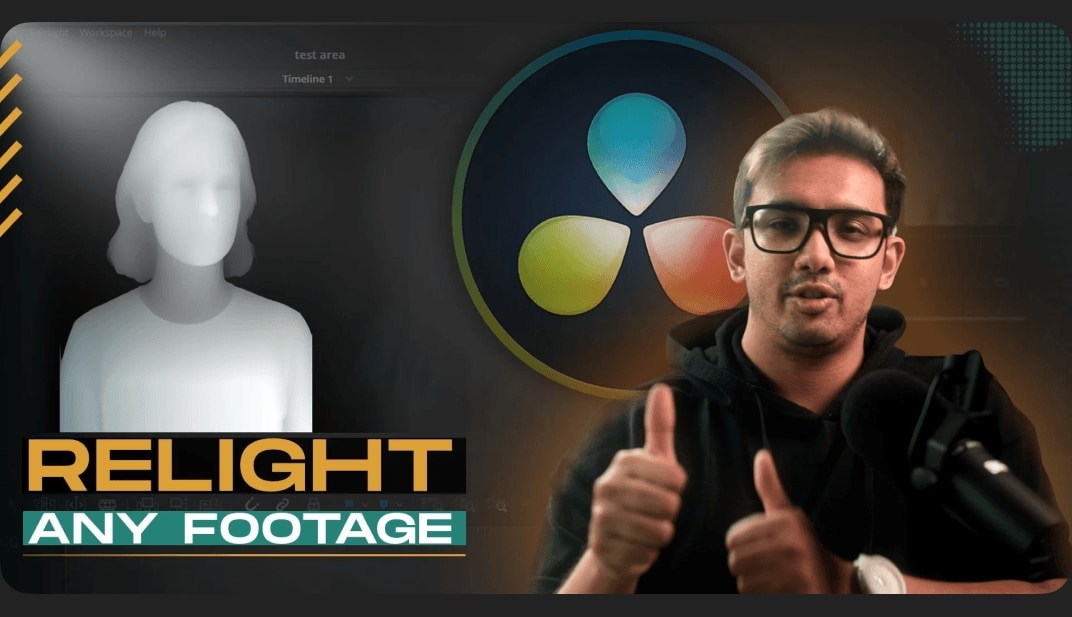
Unlock the power of post-production lighting with “Mastering DaVinci Resolve: Relight Effect for Cinematic Post-Production.” This class delves into DaVinci Resolve’s Relight effect, enabling you to enhance and transform your footage’s lighting without reshoots.
What You Will Learn
- Understanding the Relight Effect: Grasp the fundamentals and applications of this powerful tool.
- Applying the Effect: Step-by-step guidance on setting up and integrating Relight into your workflow.
- Adjusting Light Properties: Techniques to modify light direction, intensity, and color for desired moods.
- Enhancing Depth and Atmosphere: Methods to create realistic lighting scenarios that add depth to your scenes.
- 1 Advanced Technique: Combining Relight with another ai tool to achieve professional, cinematic visuals.
Why You Should Take This Class
Lighting plays a pivotal role in storytelling and visual appeal. Mastering the Relight effect in DaVinci Resolve empowers you to:
- Enhance Visual Storytelling: Craft compelling narratives through strategic lighting adjustments.
- Save Time and Resources: Make significant lighting changes in post-production, reducing the need for reshoots.
- Elevate Production Quality: Achieve professional-grade visuals that captivate audiences.
Who This Class is For
This class is designed for:
- Filmmakers and Video Editors: Professionals seeking greater control over their post-production lighting.
- Colorists: Artists aiming to expand their skill set with advanced lighting techniques.
- DaVinci Resolve Users: Individuals eager to explore and master new features within the software.
Prerequisites: A basic understanding of video editing and color correction is recommended to maximize the benefits of this class.
Materials/Resources
To participate effectively, you’ll need:
- Software: DaVinci Resolve (Studio version).
- Footage: Sample video clips to practice applying the Relight effect.
Supplementary resources and project files will be provided to enhance your learning experience.