
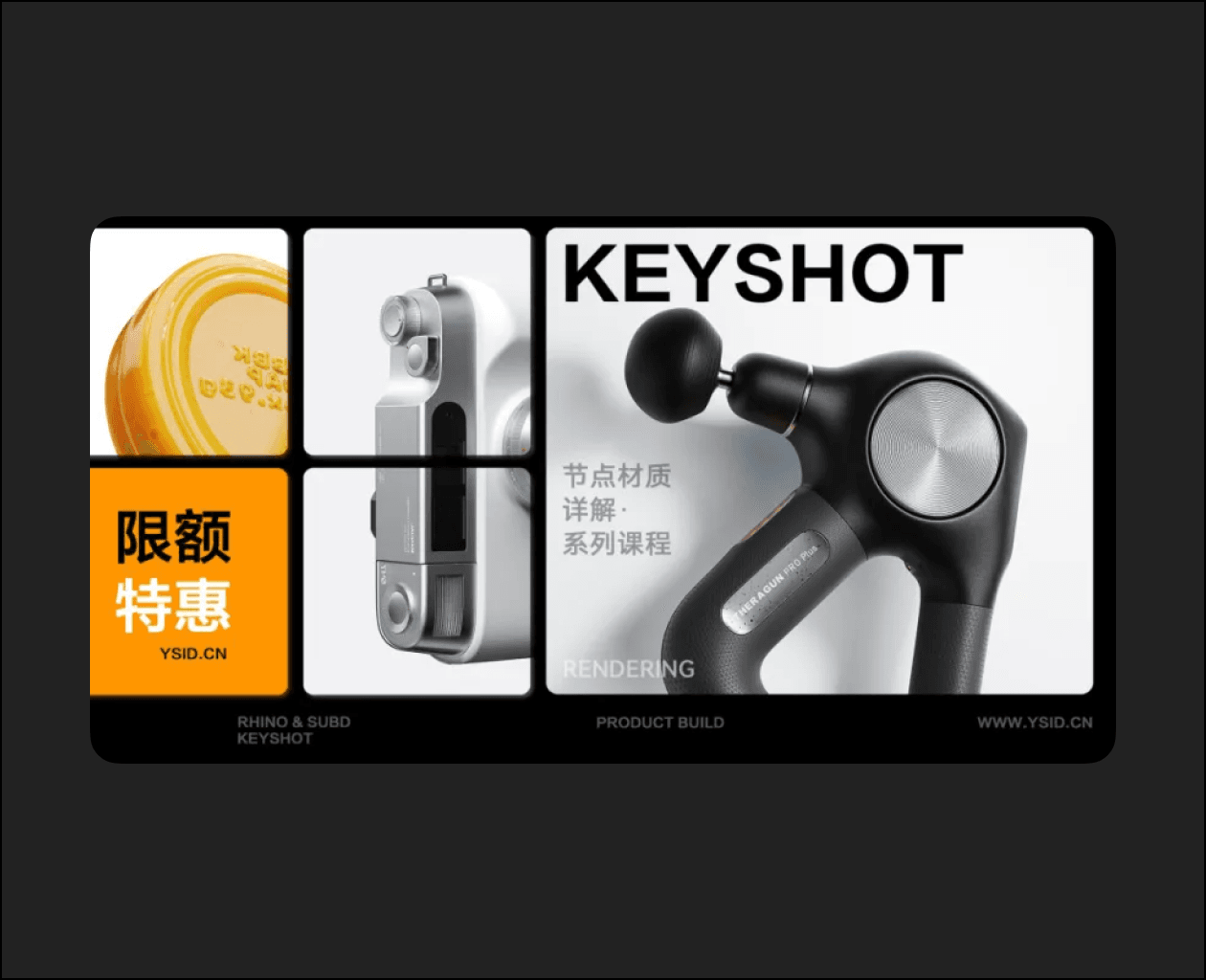
EYSHOT
#YUNSHANG.EDU Node Material Details
Original price: 598 RMB
Limited-time offer:
30% off: 50 servings
20% off: 60 servings
10% discount: 70 servings
Special offer for returning students of the Industrial ID Software Class & Advanced Class: 99 RMB
Add our customer service WeChat at the bottom to learn more about the event.
Node editing is not exclusive to Keyshot; it is common in various 3D software. For example, Grasshopper uses a battery diagram for programming, and Blender, C4D, and 3ds Max all have node-based editors.
Node mode is an intuitive programming method that connects various program functions with lines to achieve complex materials and animation effects.
Keyshot’s material nodes are an essential step towards advanced skills, but also a major headache for many beginners. This course provides a detailed explanation of basic materials, procedural textures, animation nodes, and practical tools, using product examples to highlight the functional expression of nodes and make the effects more intuitive.
This course provides detailed case studies of each function of node materials, enabling you to easily master material adjustment.








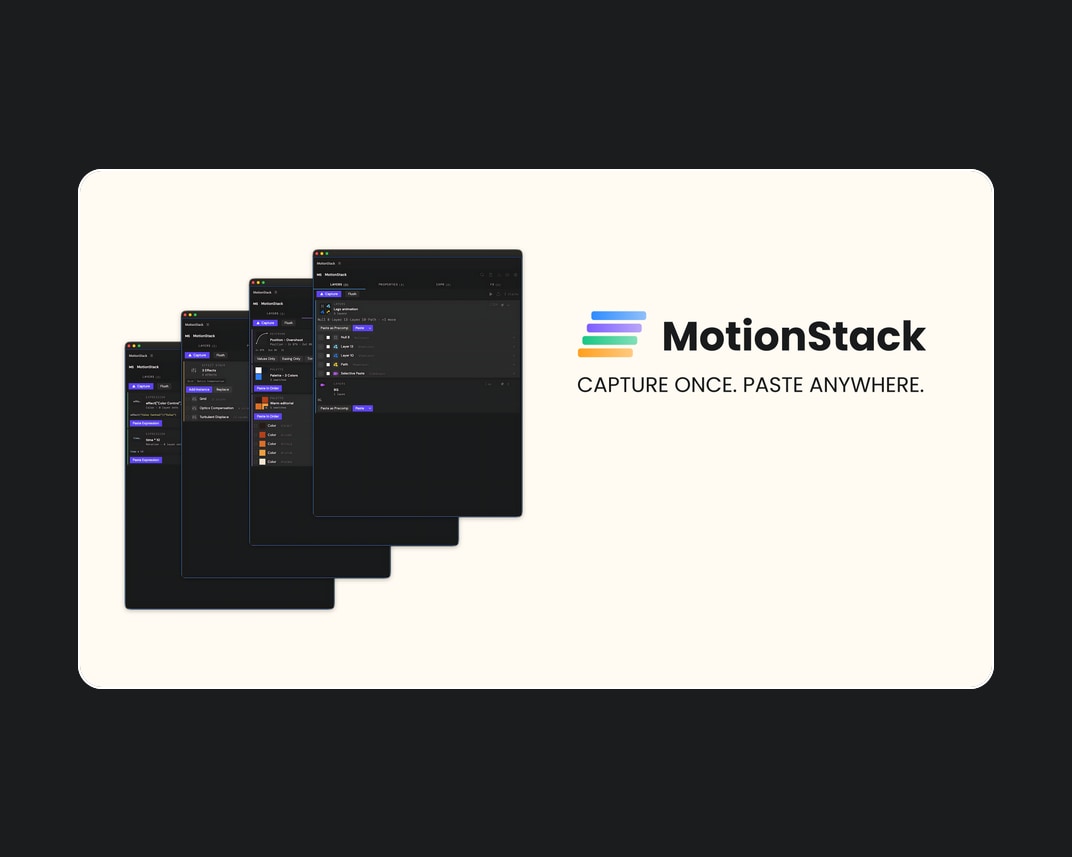
Aescripts – MotionStack v1.0
A persistent visual clipboard for After Effects. Capture layers, keyframes, expressions, effects,...
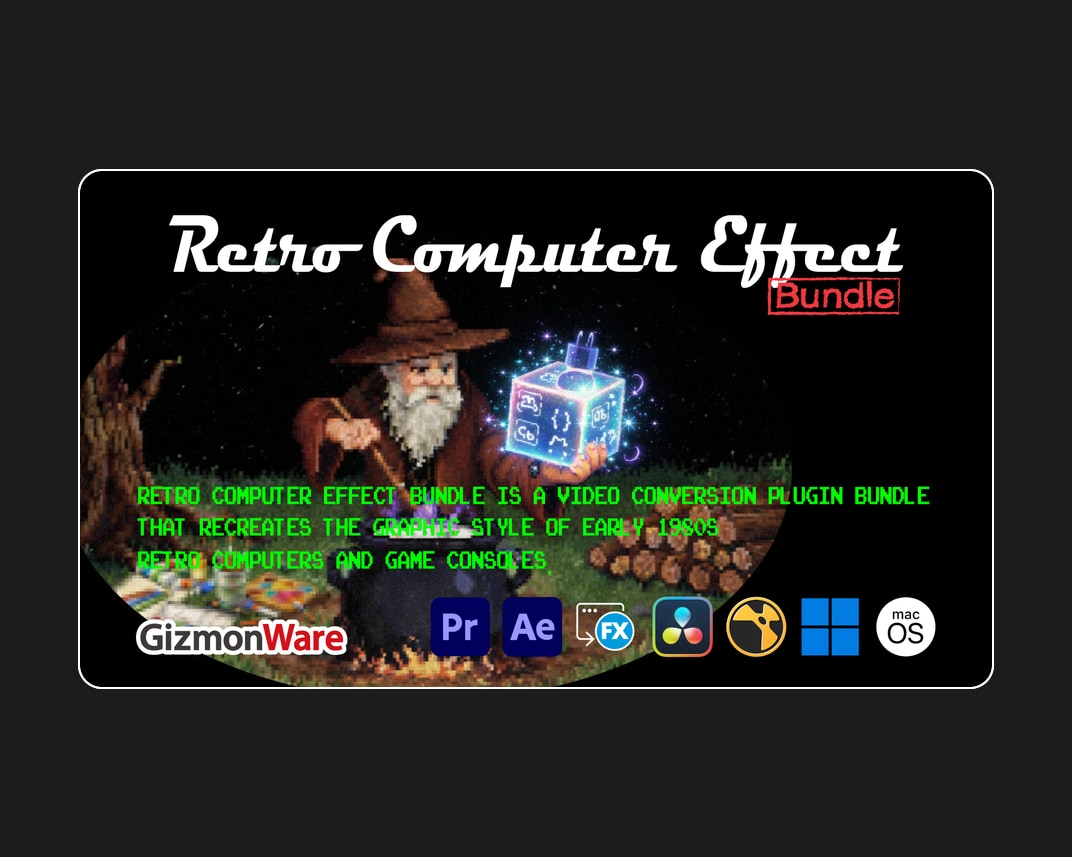
Aescripts – Retro Computer Effect Bundle v0.3.0
Retro Computer Effect Bundle is a video conversion plugin bundle that recreates...
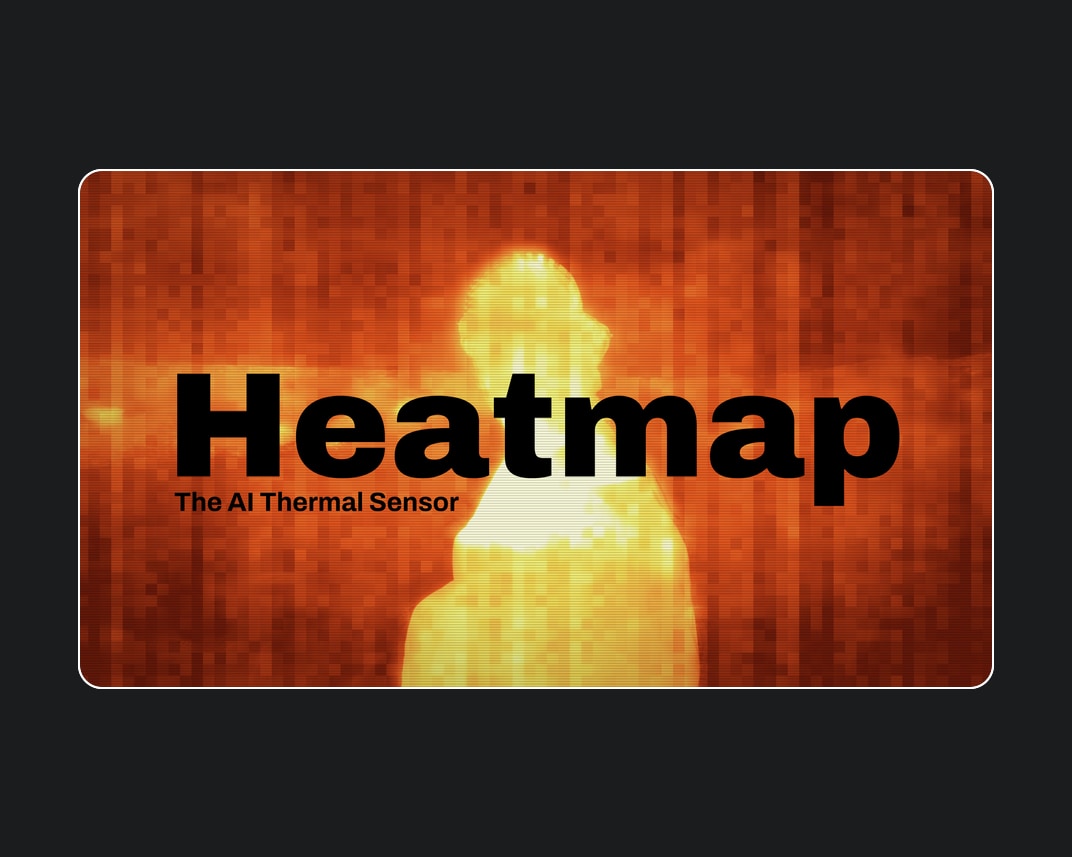
Aescripts – Heatmap v1.5.0
Heatmap is an AI thermal sensor for After Effects and Premiere Pro....
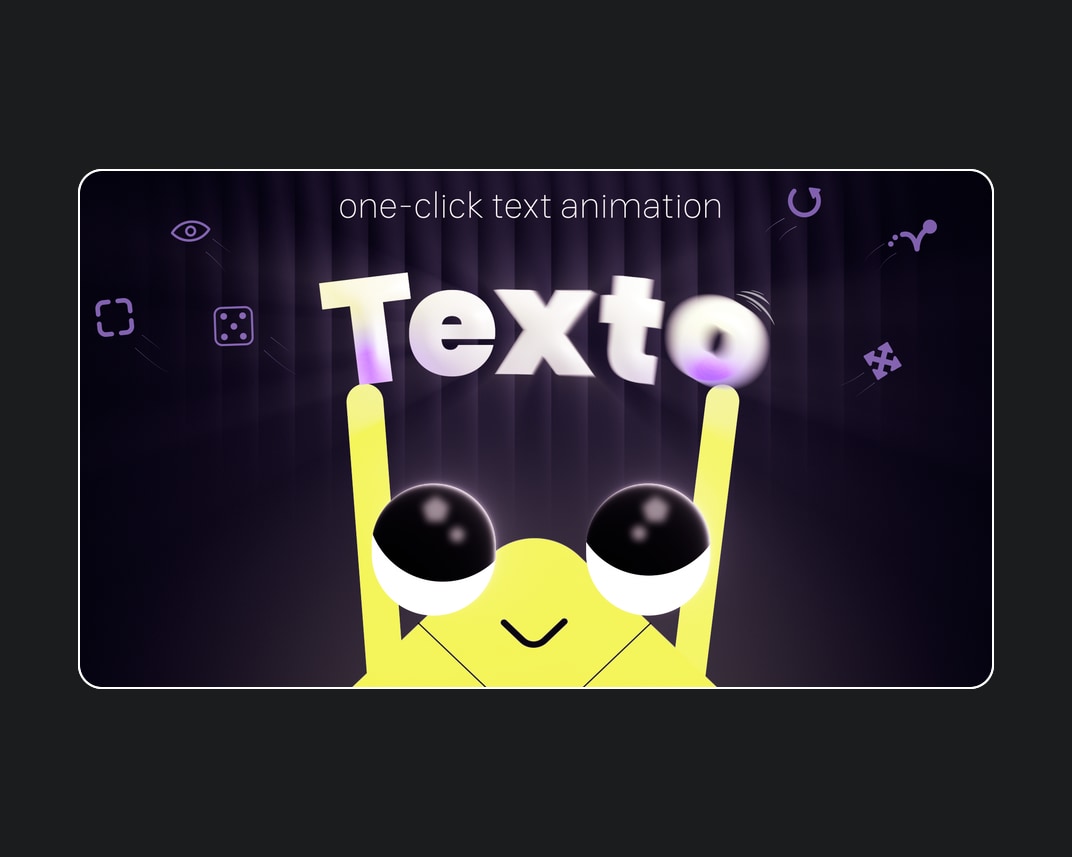


Aescripts – Texto v1.0.1
One-click text animation for After Effects. Texto turns tedious text animation into...
