Automotive Animation – Essentials
Overview
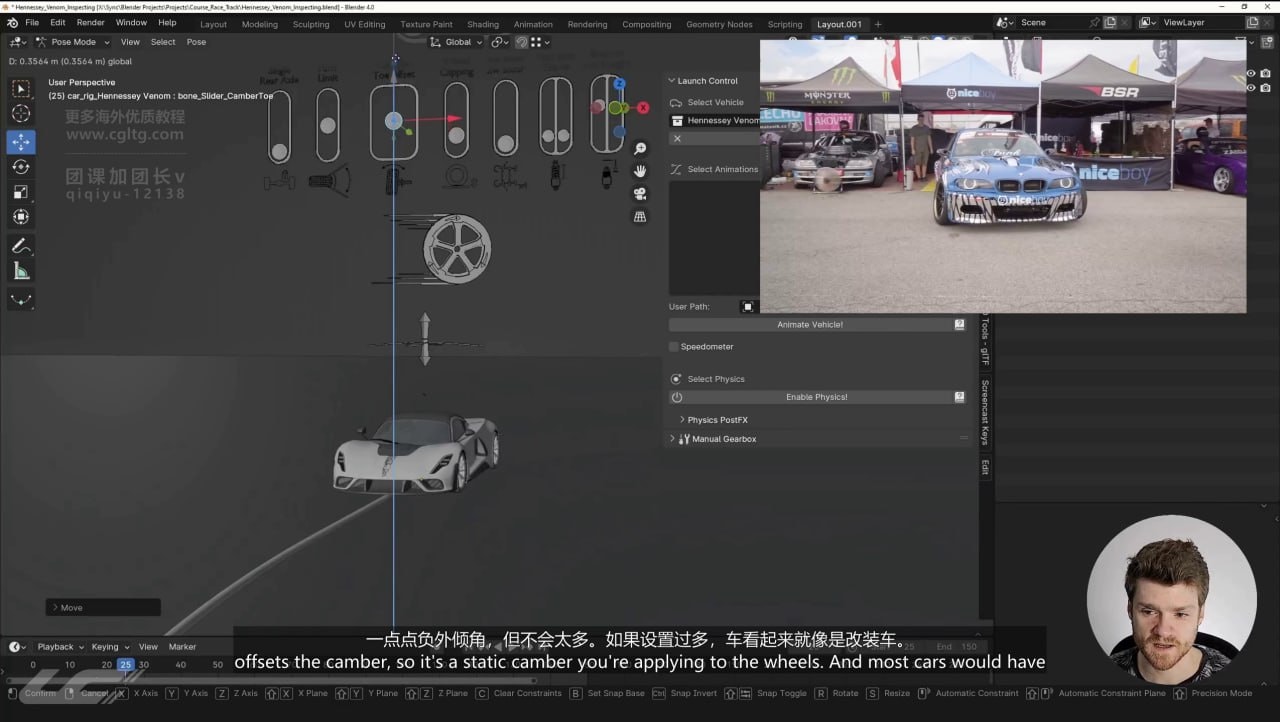
This beginner-friendly course teaches automotive animation in Blender, covering the full workflow from vehicle setup to final previz. Instructor Daniel Vesterbaek guides you through suspension dynamics, steering behavior, and how different vehicle types respond to motion—moving beyond basic keyframe animation to physics-based techniques that reduce keyframes while increasing realism. You’ll work with real-world reference footage of cars accelerating, braking, and cornering to calibrate your animations to actual driving physics.
The course emphasizes professional production practices, particularly the importance of previz planning and camera work. You’ll learn how to use the Launch Control toolset to animate vehicles based on real-world values like speed and G-forces, ensuring motion feels grounded and authentic. Camera placement and movement receive dedicated attention, as the instructor shows how camera choices can significantly impact the final shot—an often-overlooked element in vehicle animation.
Included with the course are project files featuring three vehicle models, a teaser trailer, and a previz-ready low-poly track model of Barber Motorsports Park with real-world elevation and curves. The final project is a complete race track animation. Note that this is an animation-focused course, not a lighting and rendering course, and requires Launch Control 1.8 or later to follow the material.
How access works
Starter, Pro or Lifetime.
One tap — plan linked to your account.
Open the Mini App or your Profile.