Blender 3D for Concept Art – Full workflow tutorial from Blender to Photoshop
Overview
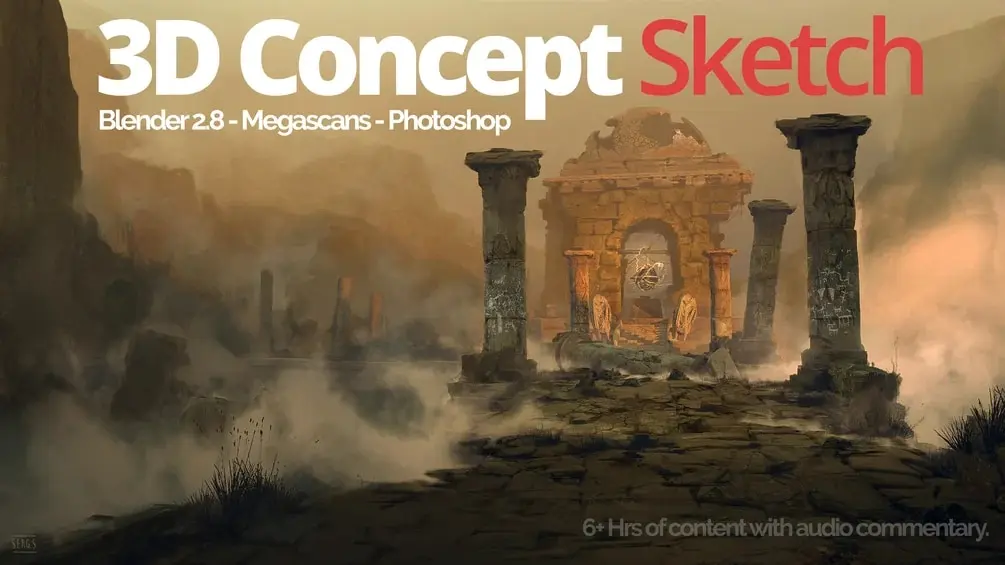
This course guides you through a complete workflow for creating concept art using Blender and Photoshop. You’ll learn how to set up scenes in Blender for paintovers and matte paintings, combining 3D modeling with digital painting techniques. The tutorial covers the essential pipeline for artists who want to leverage Blender’s 3D capabilities to accelerate their concept art production process.
The course demonstrates practical techniques for preparing 3D scenes that serve as foundation layers for detailed digital painting work. By integrating Blender’s modeling and rendering tools with Photoshop’s painting capabilities, you can develop a hybrid workflow that combines the speed of 3D blocking with the artistic control of traditional digital painting.
How access works
Starter, Pro or Lifetime.
One tap — plan linked to your account.
Open the Mini App or your Profile.