Blender Essentials: Snapping and Alignment Basics
Overview
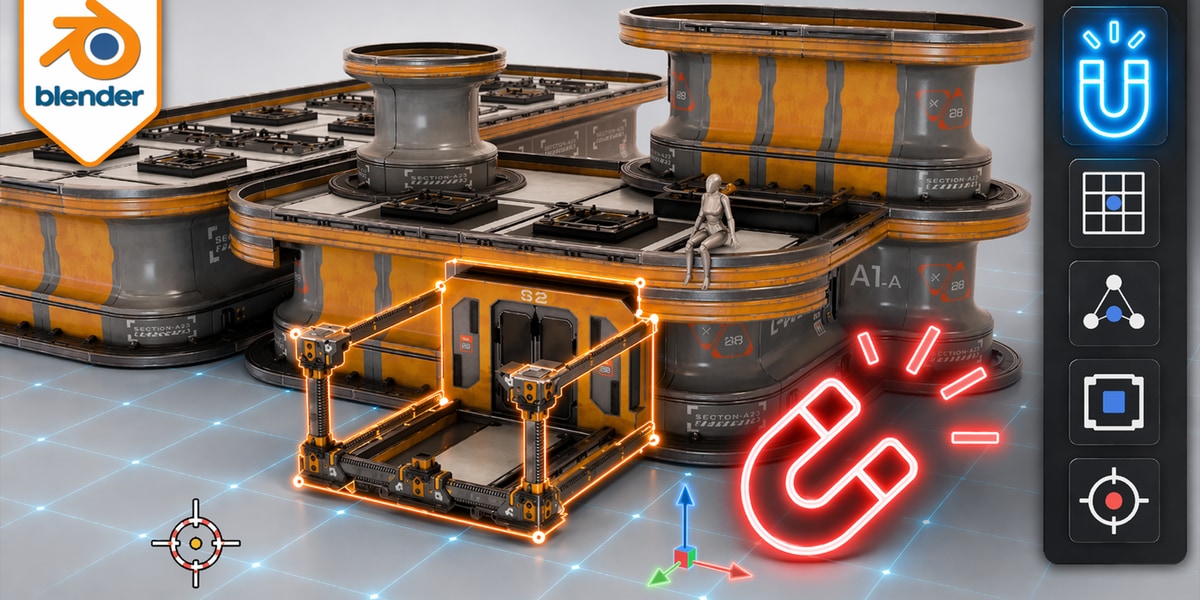
This course covers the complete Blender snap system across 19 lessons, designed to help you place objects, vertices, and other elements with precision. You’ll learn about Snap Base and Snap Target fundamentals, then explore the different snapping modes including Grid, Vertex, Edge, Face, and Volume snapping. The course also covers advanced topics like snapping with the 3D Cursor, working in Pose Mode, and handling UV and UDIM snapping workflows.
Whether you’re modeling, rigging, or texturing, understanding snapping and alignment tools will streamline your workflow and eliminate guesswork. By the end of this course, you’ll have the knowledge to align and position geometry accurately in any situation, with dedicated lessons on troubleshooting common issues you may encounter.
How access works
Starter, Pro or Lifetime.
One tap — plan linked to your account.
Open the Mini App or your Profile.